Using AI to Manage Social Media Comments Effectively: A Practical Checklist for Faster Replies and Better Engagement
High comment volume can overwhelm even well-run social accounts. A lightweight AI workflow can help sort, prioritize, and draft responses while keeping brand tone, safety, and accuracy intact. The goal is simple: reduce response time, protect the community, and turn more conversations into meaningful engagement—without sounding automated or ignoring edge cases.
What AI Can (and Can’t) Do for Comment Management
AI is strongest when it removes repetitive busywork so the human team can focus on judgment calls and relationship-building. It can categorize comments, detect sentiment, draft suggested replies, and route issues to the right owner—helping maintain consistency across Instagram, TikTok, Facebook, YouTube, X, and LinkedIn.
It also improves coverage: fewer missed comments, faster escalation of urgent issues, and better tracking of recurring FAQs and product questions. The limit to respect is accuracy and context. AI can misread sarcasm, miss cultural nuance, or “fill in” details that were never confirmed. Final responsibility stays with the human team. The best use case is AI as a first-pass assistant for triage and draft replies, not an unsupervised autopilot.
Set Up the Foundations: Access, Rules, and Brand Voice
Before turning on any AI features, lock in the basics that keep your workflow safe and consistent:
- Confirm access and permissions: Who can publish replies, hide comments, block users, and export logs?
- Define brand voice in 5–8 bullets: tone (friendly vs. professional), preferred length, emoji policy, when humor is allowed, and how complaints should be handled.
- Create a no-guessing policy: If shipping times, refunds, medical/financial advice, or legal claims appear, require a human-approved response.
- Assign escalation owners: customer support, product team, PR/legal, and a community manager.
- Build a response library: 20–40 approved templates for pricing, availability, sizing, troubleshooting, shipping, and returns.
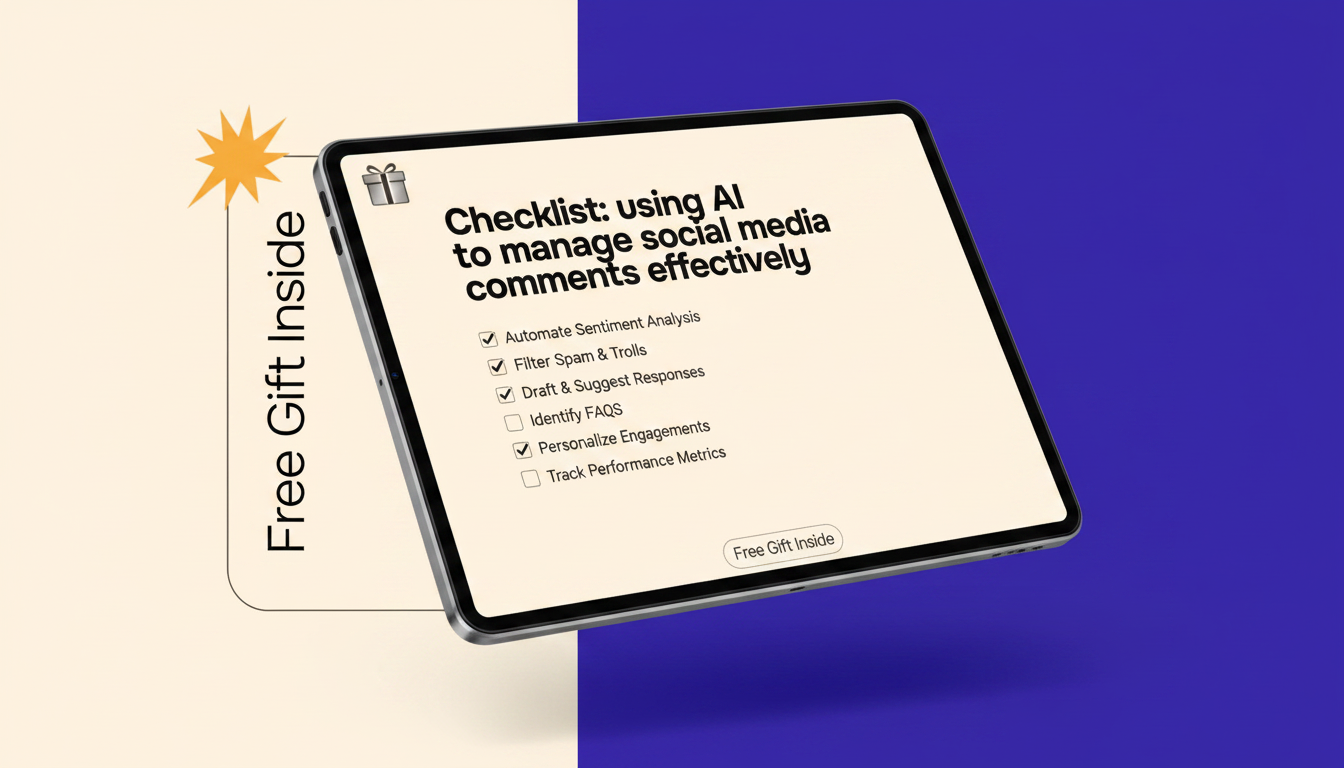
If you want a ready-to-use structure you can copy into your team’s daily routine, consider the Using AI to Manage Social Media Comments Effectively | Practical Checklist for ai for managing social media comments, Faster Replies & Better Engagement.
The AI Triage Checklist: Sort Comments in Seconds
A fast, reliable triage process is where AI earns its keep. Start by collecting comments into one workspace (native inboxes or a unified social inbox), then run AI classification as comments arrive.
- Use workflow-based categories: Praise, Question, Complaint, Shipping/Order, Spam, Harassment, Misinformation, Sales Lead, Creator/Partner.
- Add urgency labels: Critical (safety/legal/viral backlash), High (order issues), Medium (questions), Low (general praise).
- Use sentiment as a guide: “Angry + high reach” should be flagged for immediate review, but never treated as a final verdict.
- Auto-detect duplicates: Cluster repeated questions so you can answer efficiently and update templates.
- Route by rules: product questions to support; harassment to moderation; potential PR issues to a senior reviewer.
Comment types, AI action, and human review level
| Comment type |
AI does |
Human review |
Target response time |
| Simple FAQ (price, features, how-to) |
Draft reply using approved templates + link placeholders |
Light review |
Within 1–3 hours |
| Order/shipping/refund issue |
Ask for order info via private channel + draft a calm acknowledgment |
Required |
Within 1 hour |
| Angry complaint (non-viral) |
Draft empathy-first response + propose next step |
Required |
Within 1 hour |
| Potential PR/legal risk |
Summarize issue + recommend holding statement options |
Senior approval |
ASAP (15–30 minutes) |
| Spam/scams |
Detect patterns/keywords + suggest hide/delete |
Quick check |
Within 15 minutes |
| Harassment/hate speech |
Flag, recommend moderation action, preserve evidence log |
Required |
Within 15 minutes |
Draft Replies That Don’t Sound Robotic
AI-drafted replies land best when they are structured, specific, and constrained.
- Use a 3-part structure: acknowledge + answer + next step (or a question to clarify).
- Reference the user’s real point: replace generic openers with one detail pulled from the comment.
- Add guardrails: forbid AI from inventing policies, discounts, availability, shipping timelines, or guarantees.
- Match platform length: shorter on TikTok/Instagram, slightly longer on Facebook/LinkedIn, concise threads on X.
- Keep complaint empathy consistent: validate feelings, avoid blame, and offer a clear path to resolution.
- Use clean handoff language: when moving to DMs/email, specify what info you need and what happens next.
Accuracy and truthful claims matter, especially when replies touch on pricing, performance, or outcomes. The FTC’s guidance on making ads truthful and not misleading is a helpful reference for teams that respond to product questions in public threads: FTC — Advertising and Marketing Basics.
Moderation and Safety: Reduce Risk Without Over-Deleting
Moderation is a policy-driven job. AI can assist by flagging issues and speeding up review, but ambiguous cases still need human judgment.
For platform-specific policy language, keep authoritative sources bookmarked, such as the YouTube Help Center — Community Guidelines and the Meta Transparency Center.
Engagement Playbooks That AI Can Assist With
Workflow Options: From Solo Creator to Small Team
Keeping devices charged during peak engagement windows helps reduce delays; a compact option for desk or travel setups is the 65W GaN USB C Fast Wall Charger with Quick Charge. For a calmer work corner during long moderation blocks, the Mini USB Aroma Humidifier & Essential Oil Diffuser with Soft LED Light is a simple add-on.
Quality Control: Measure What Matters
Practical Daily Checklist (Copy/Paste)
FAQ
Is it safe to use AI to reply to customer complaints in public comments?
Yes, with safeguards: require human approval for complaints, prevent invented policies or timelines, and use empathy-first templates. Escalate anything involving legal or safety risk immediately.
How can AI help reduce response time without hurting brand voice?
Use AI for triage and first-draft replies, then constrain it with a short brand-voice guide and approved templates. Add a review step for anything beyond simple FAQs.
What comments should never be handled fully automatically?
Refunds/chargebacks, legal threats, medical or financial advice, safety concerns, harassment edge cases, and any claim that requires verified facts should always involve human review.
Recommended for you













Leave a comment